
Pokemon Infinite Fusion Linux – Download
Pokémon Infinite Fusion is also available for Linux users. You can download and play the game on Linux using the links provided below.
Pokemon Infinite Fusion Linux
How to Install Pokémon Infinite Fusion on Linux (Ubuntu)
You can play Pokémon Infinite Fusion on Linux by using Wine, a compatibility layer that lets Windows applications run on Linux. Follow the steps below to set everything up.
Step 1: Install Wine
Open your terminal and install Wine using your distribution’s package manager.
Ubuntu / Debian-based systems
sudo apt update
sudo apt install wine
Fedora
sudo dnf install wine
Arch Linux
sudo pacman -S wine
Step 2: Install Required Tools
Some additional components may be needed, such as winetricks, which helps install common Windows libraries.
Ubuntu / Debian-based systems
sudo apt install winetricks
Step 3: Download Pokémon Infinite Fusion
Download the game using the link provided above and save it to your system.
Step 4: Create and Configure a Wine Prefix
Setting up a separate Wine prefix helps avoid conflicts and ensures better compatibility.
Create a new Wine prefix:
WINEPREFIX=~/wineprefix/infinitefusion winecfg
When the Wine configuration window opens, set the Windows version to Windows 7.
Next, install any required libraries (such as DirectX or Visual C++):
WINEPREFIX=~/wineprefix/infinitefusion winetricks
Follow the on-screen instructions to install the recommended components.
Step 5: Run the Game
- Extract the downloaded Pokémon Infinite Fusion files
- Navigate to the game folder in the terminal:
cd /path/to/infinitefusion
- Launch the game with Wine:
WINEPREFIX=~/wineprefix/infinitefusion wine InfiniteFusion.exe
Step 6: Optimize if Needed
If you experience performance issues or visual glitches, you can:
- Adjust settings using
winecfg - Install extra libraries through
winetricks
Chromebook Installation
- Download Pokémon Infinite Fusion using the link above.
- Move the InfiniteFusion.zip file into your Linux files directory on your Chromebook.
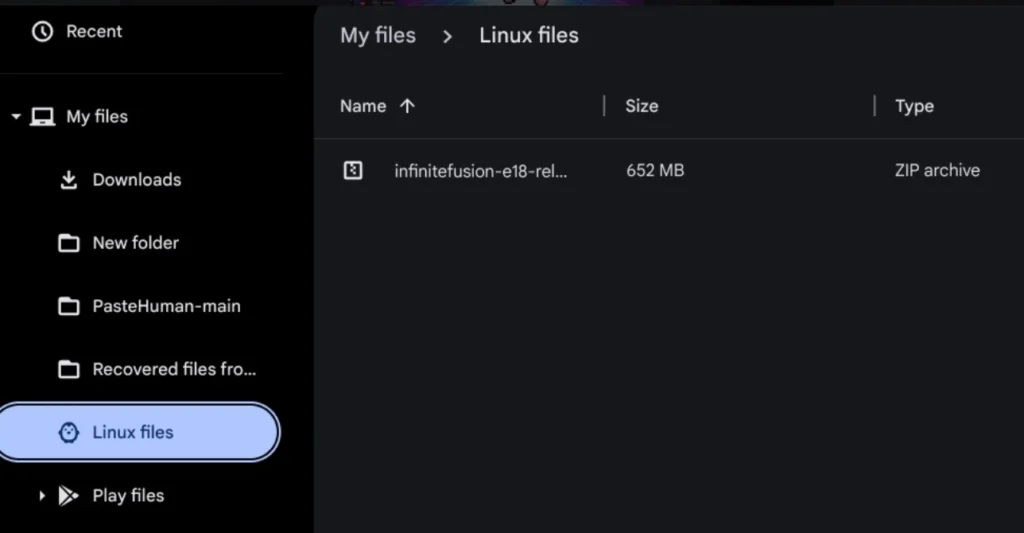
- Open the Terminal app that comes with your Chromebook, then enter the commands shown below.
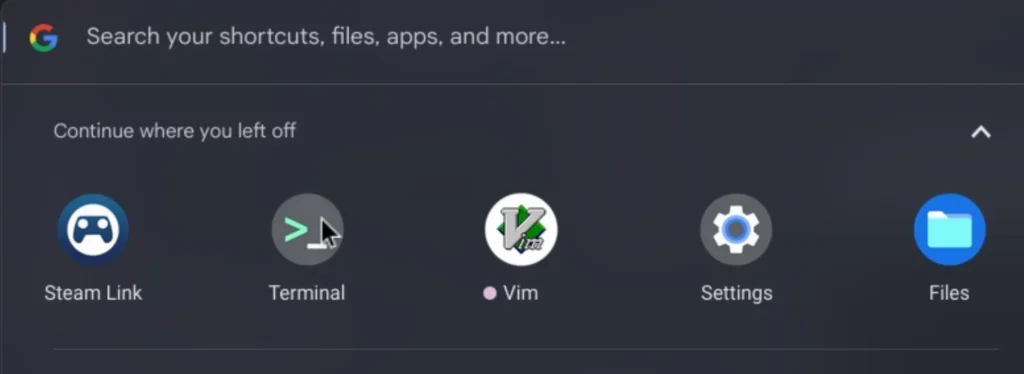
- Open the Terminal app on your Chromebook.
- Enable 32-bit architecture support, update your system, and install Wine and Winbind.
- Run the Wine configuration setup if possible. This step is optional—if it fails or shows a wine32 missing error, skip it and continue.
- Extract the InfiniteFusion.zip file.
- If you receive an error saying the ZIP file cannot be found, make sure InfiniteFusion.zip is placed inside your Linux files folder and try again.
- Open the extracted InfiniteFusion folder.
- Enter the InfiniteFusion folder a second time (there is a nested folder by mistake).
- Launch the game by running Game.exe using Wine.
To play the game again later:
- Open the Terminal.
- Navigate into the InfiniteFusion folder twice.
- Run Game.exe to start the game.
How to Update on Chromebook:
- Download the latest version of the game from above.
- Move InfiniteFusion.zip to your Linux files folder.
- Extract the files and launch the game again using the same steps.
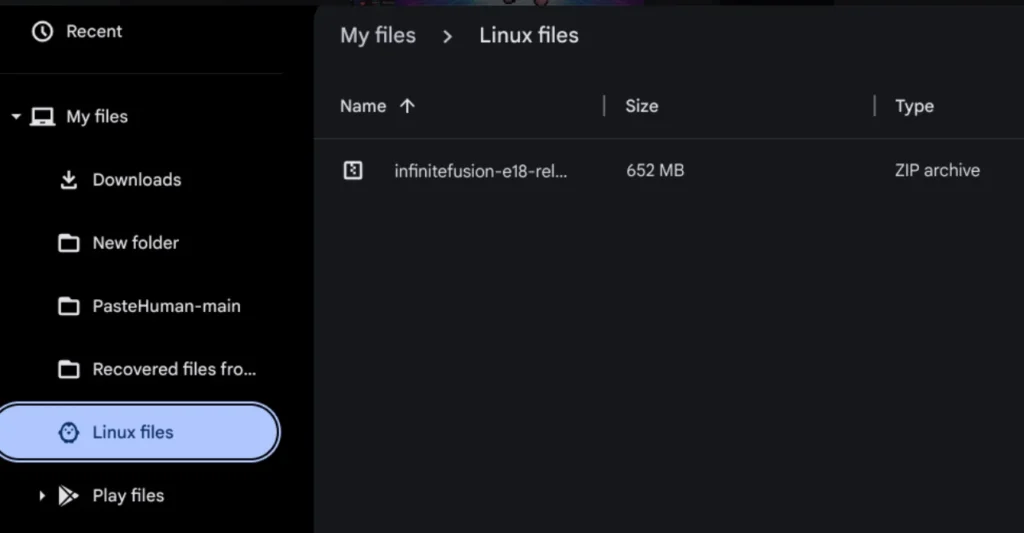
- Open the Terminal app.
- Extract the InfiniteFusion.zip file.
- Open the InfiniteFusion folder.
- Open the InfiniteFusion folder again (yes, a second time—there is a nested InfiniteFusion folder by accident).
- Launch the game by running Game.exe using Wine.